Amanda R.
Austin, TX
★★★★★
Bought Windows 11 Home for my home Mac. Key arrived by email and SoftLicenseHub walked me through activation on a quick call.
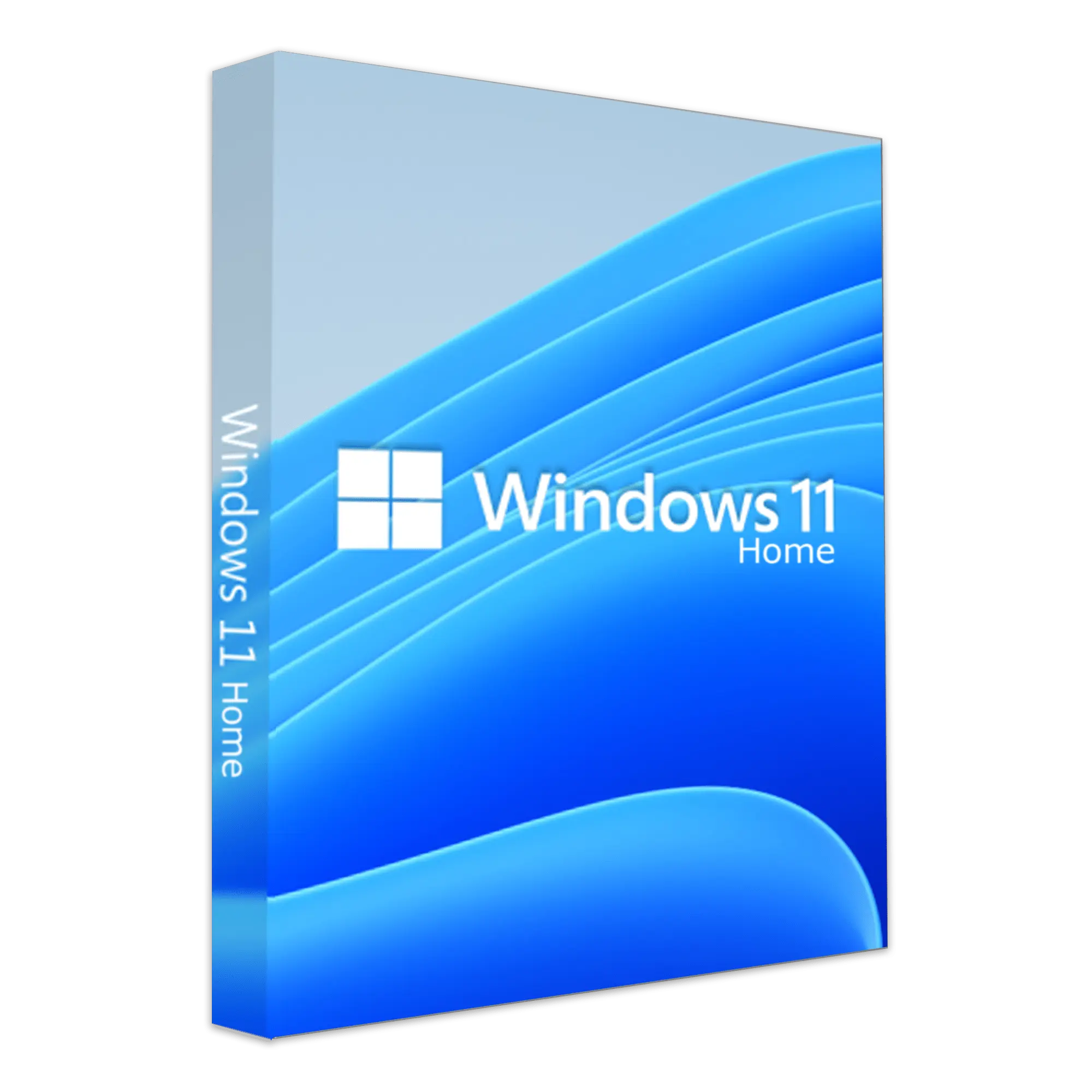
Modern Windows Experience
Brand: Microsoft
Includes Snap Layouts · Widgets · Microsoft Teams · Android Apps
Call before you buy — edition, Mac/Windows, or activation help.
Windows 11 Home is the latest Microsoft operating system featuring a redesigned Start Menu, Snap Layouts for multitasking, Microsoft Teams integration, and enhanced security with TPM 2.0 requirements. Offers a modern, fluid interface with improved performance and gaming capabilities including DirectX 12 Ultimate and Auto HDR. This genuine Microsoft digital license is a one-time purchase providing lifetime activation. Perfect for home users and students. Instant digital delivery with your activation key sent immediately after purchase.
Independent reseller — not affiliated with Microsoft Corporation.
| Operating system | Clean install or upgrade path to Windows 11 |
|---|---|
| Processor | 1 GHz or faster with 2+ cores on a compatible 64-bit processor |
| Memory | 4 GB RAM minimum |
| Storage | 64 GB or larger storage device |
| Firmware | UEFI, Secure Boot capable |
| TPM | Trusted Platform Module (TPM) version 2.0 |
| Account | Microsoft account may be required for setup |
| Internet | Required for download and activation |
Yes. Windows 11 Home is sold as a perpetual / one-time purchase license through SoftLicenseHub — you pay once with no subscription renewal fee for this version.
Device limits depend on the Microsoft edition. This listing is typically for 1 Windows. Call (800) 555-0188 if you need a multi-device or business recommendation.
It is intended for Windows. Full minimum requirements are listed in the System Requirements section on this page.
Yes — a Microsoft account is needed to activate and reinstall most Microsoft Office and Windows licenses.
After payment is confirmed, SoftLicenseHub emails your license details and download instructions — usually within minutes during business hours. Need it faster? Call us.
Yes — Microsoft provides security and stability updates for supported versions. A perpetual license does not automatically upgrade to a brand-new Office generation.
You're covered by our 180-day money-back guarantee. Already-redeemed or activated keys are reviewed case by case — see our Refund Policy, or call (800) 555-0188 for help.
4.8 average · 250 reviews
Bought Windows 11 Home for my home Mac. Key arrived by email and SoftLicenseHub walked me through activation on a quick call.
I wasn't sure Home vs Business — they called me back same day and I got the right edition. Modern Windows Experience works great.
One-time purchase as advertised. Support answered my install questions without pushing a subscription.
SoftLicenseHub helps with edition selection, installation, and activation. Phone support runs on U.S. Eastern hours; we fulfill orders for customers in multiple countries.